


Workstation display setup with P2425
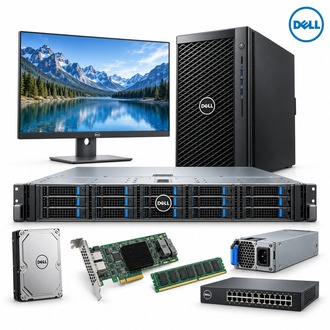
P2425 is a Dell business display for desktop and office workstation use. Its 16:10 panel provides additional vertical workspace compared with a 16:9 screen, while connection choice should be planned around the host graphics output and the required USB functions. Use the shared Dell catalog reference image as a general reference, not as a unique product photograph of P2425.
Display and connection summary
| Selection point | Specification / confirmation |
|---|---|
| Exact model | P2425 |
| Display size | 24.07-inch diagonal viewing area |
| Panel / resolution | IPS; 1920 x 1200 native resolution; 16:10 aspect ratio |
| Refresh rate | Up to 100 Hz, subject to input and host configuration |
| Video inputs | HDMI 1.4, DisplayPort 1.2 and VGA |
| USB | USB Type-B upstream; downstream USB-A and USB-C (up to 15 W charging) |
| Selection check | Confirm supplied stand, cables, mounting and regional power accessories |
Desk installation checklist
Before placing P2425, check viewing distance, screen height, glare and the intended portrait or landscape position. Select HDMI, DisplayPort or VGA according to the source computer; then connect the USB upstream lead if downstream USB ports are needed. A USB-C downstream charging port does not replace the video input connection for P2425.
- Confirm the requested 1920 x 1200 mode and refresh rate with the host GPU.
- Route the video and USB cables separately enough to keep service access practical.
- Verify stand adjustment or VESA mounting requirements before installation.
- Test the on-screen controls and downstream ports at the user's desk.
Procurement and handover for P2425
When requesting P2425, specify the quantity, required cables, stand or mount, warranty and destination region. At handover, record the connected input, display mode and USB upstream route. Keep P2425 in the workstation asset record so a replacement can be matched to the actual desk arrangement.
Use P2425 as the exact model keyword when comparing the delivered label with the purchase order.
