


Configure the Dell Tower Plus EBT2250
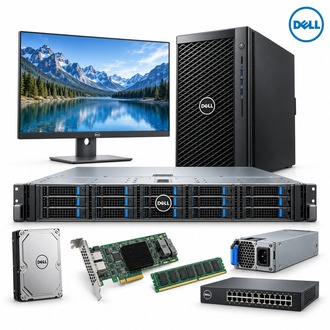
EBT2250 identifies Dell's Tower Plus desktop model. Select the processor, memory, graphics, storage, operating system and connectivity as a matched configuration; the platform code alone does not specify the installed parts. The shared Dell image is a general reference visual, not a photograph of one unique EBT2250 build.
Platform profile
| Selection point | Specification / confirmation |
|---|---|
| Exact model | EBT2250 |
| System | Dell Tower Plus desktop, model EBT2250 |
| Chipset | Intel Z890 |
| Processor | Selected Intel Core Ultra 5/7/9 Series 2 options, depending on build |
| Memory | DDR5 UDIMM; capacity and speed depend on CPU and module population |
| Storage | M.2 NVMe and SATA options vary by configuration |
| Expansion | Check graphics-card power connector, clearance and PSU for the exact build |
| Exact model | EBT2250 |
Component choices and compatibility
For EBT2250, confirm whether the processor is a Core Ultra 5, 7 or 9 option and match DDR5 module type and population to the platform guide. Check the GPU's power connector, dimensions and thermal requirements before ordering. Verify M.2/SATA drive selection, wireless/network features, operating-system edition and included peripherals against the final quotation.
- Record service tag and factory configuration.
- Check memory, storage and graphics details against the approved BOM.
- Validate PSU connectors and expansion-card clearance.
- Confirm operating-system license and recovery media.
Receiving and support handover for EBT2250
Reconcile the delivered EBT2250 against its service tag, processor, DIMMs, GPU and drive labels. Save the configuration record, firmware baseline and warranty information with the desktop asset for future upgrades.
Include EBT2250 and the full component configuration when requesting service or replacement parts.
