


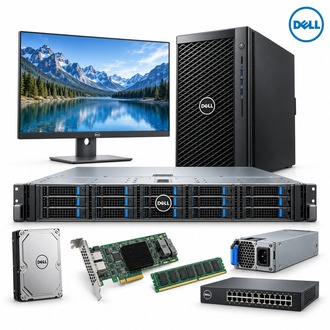
Desktop display and USB workflow for U2422H
U2422H is an UltraSharp-class Full HD monitor with an integrated USB hub. Select HDMI or DisplayPort for the display signal, then connect the separate USB upstream cable to enable hub functions. The U2422H designation should not be confused with related models that accept USB-C video and power delivery.
Display connections and ergonomics
| Selection point | Specification / confirmation |
|---|---|
| Exact model | U2422H |
| Display | 23.8-inch IPS; 1920 x 1080 at 60 Hz |
| Video inputs | HDMI and DisplayPort 1.4 |
| Daisy chain | DisplayPort output with MST, subject to host and display configuration |
| USB hub | USB-C upstream for hub data; USB-C downstream supports up to 15 W charging |
| Ergonomics | Height, tilt, swivel and pivot stand adjustments |
| Model distinction | Do not assume U2422H provides the USB-C video/charging input of U2422HE |
Plan a multi-display desk around U2422H
For U2422H, verify the host GPU supports the requested display layout and any DisplayPort MST chain. Configure resolution and refresh rate at 1920 x 1080 and 60 Hz. Position the panel for comfortable viewing, route the upstream USB cable alongside the video cable and check that connected peripherals appear to the host.
- Use HDMI or DisplayPort for video input.
- Connect USB upstream separately when the hub is needed.
- Confirm MST compatibility at the source GPU and downstream display.
- Check the stand, VESA mount and cable package for the intended desk.
Handover checklist: U2422H
Document the host output, video cable, USB upstream path, downstream devices and OSD settings for U2422H. Verify charging expectations for the USB-C downstream port; it is not a replacement USB-C video input to the computer. Test the complete desk before handover.
Keep U2422H and its cable layout in the monitor asset record for support.
